 ChatSQT
Think with ChatSQT
Work through a question, draft something new, or talk it out with AI voice chat.
ChatSQT
Ask a question. Work through your notes. Turn a photo into something new. ChatSQT brings your conversations, study tools, creative work, and build requests together.
Your existing ChatSQT account works here.
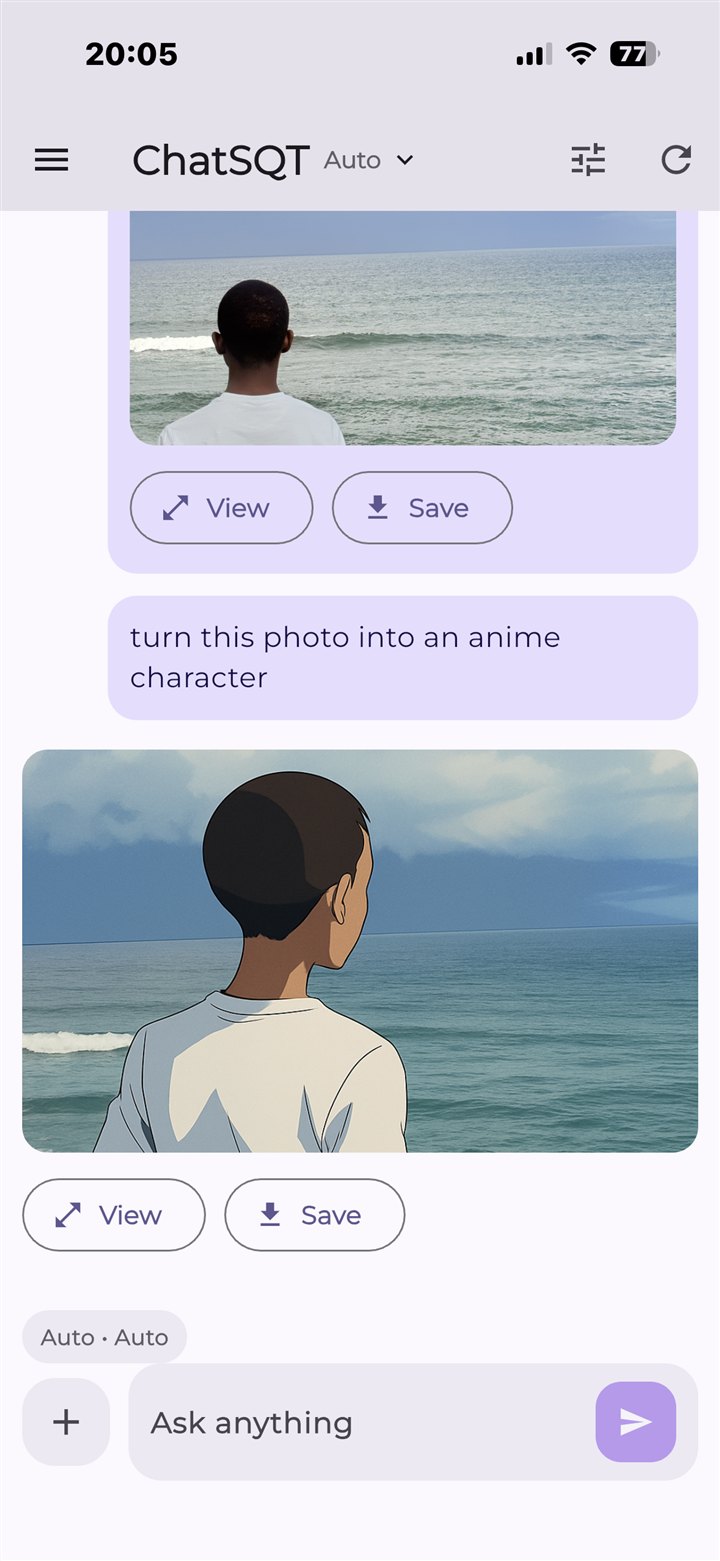
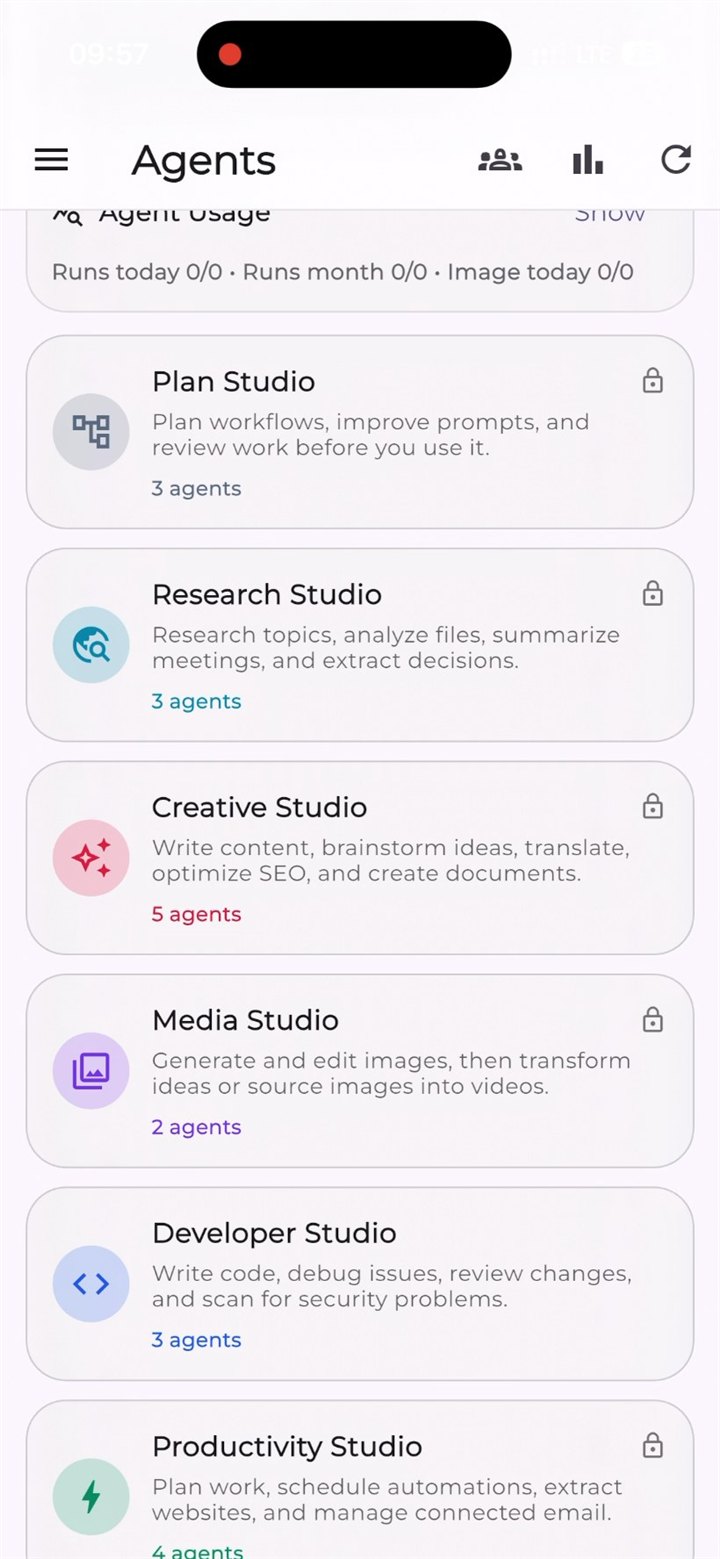
Actual iOS app screenshots. Select one to see it full-size.
Try your own task →Room for your next idea
ConversationsStudy toolsCreative mediaSpecialised agentsDifferent tools. A familiar place.
Write, learn, and create without starting from a blank page every time.
Work through a question, draft something new, or talk it out with AI voice chat.
Explore flashcards, notes, quizzes, and document tools in a dedicated study workspace.
Create images and video clips, then revisit your generated work in your Library.
Browse the agent catalogue, give a task its context, and review the result in the workspace.
Availability and allowances vary by plan. Some study tools may have no included usage on a given plan. Check the current limits.
Lisa's note
“The future belongs less to those who predict it and more to those who build it”-Lisa
Development Services
ChatSQT also helps businesses, founders, and creators turn rough ideas into polished websites, apps, custom software, and AI-powered tools.
Business websites, landing pages, portfolios, e-commerce websites, and web applications that are fast, clear, and ready to share.
Start a website enquiryBusiness management systems, booking platforms, dashboards, workflow automation, and tailored internal tools.
Discuss custom softwareMobile app experiences designed around your business goals, users, content, and operations.
Plan a mobile appAI-powered tools, intelligent automation, chatbots, content workflows, and integrations that fit your current business.
Explore AI integrationA simpler starting point
Start a conversation, open Study, find a specialised agent, or send a build enquiry.
Write your prompt, add supported files, or describe your project clearly. Check the tool's allowance before you run it.
Review the output. Return to saved chats, use the Library, or continue your build conversation with our team.
Inside the app
The actual Creative Studio brings writing, documents, translation, brainstorming, and SEO tools together. Choose a task and give it your brief.
Browse other studios for research, media, and coding. Agent access has its own plan and usage limits.
See agent pricing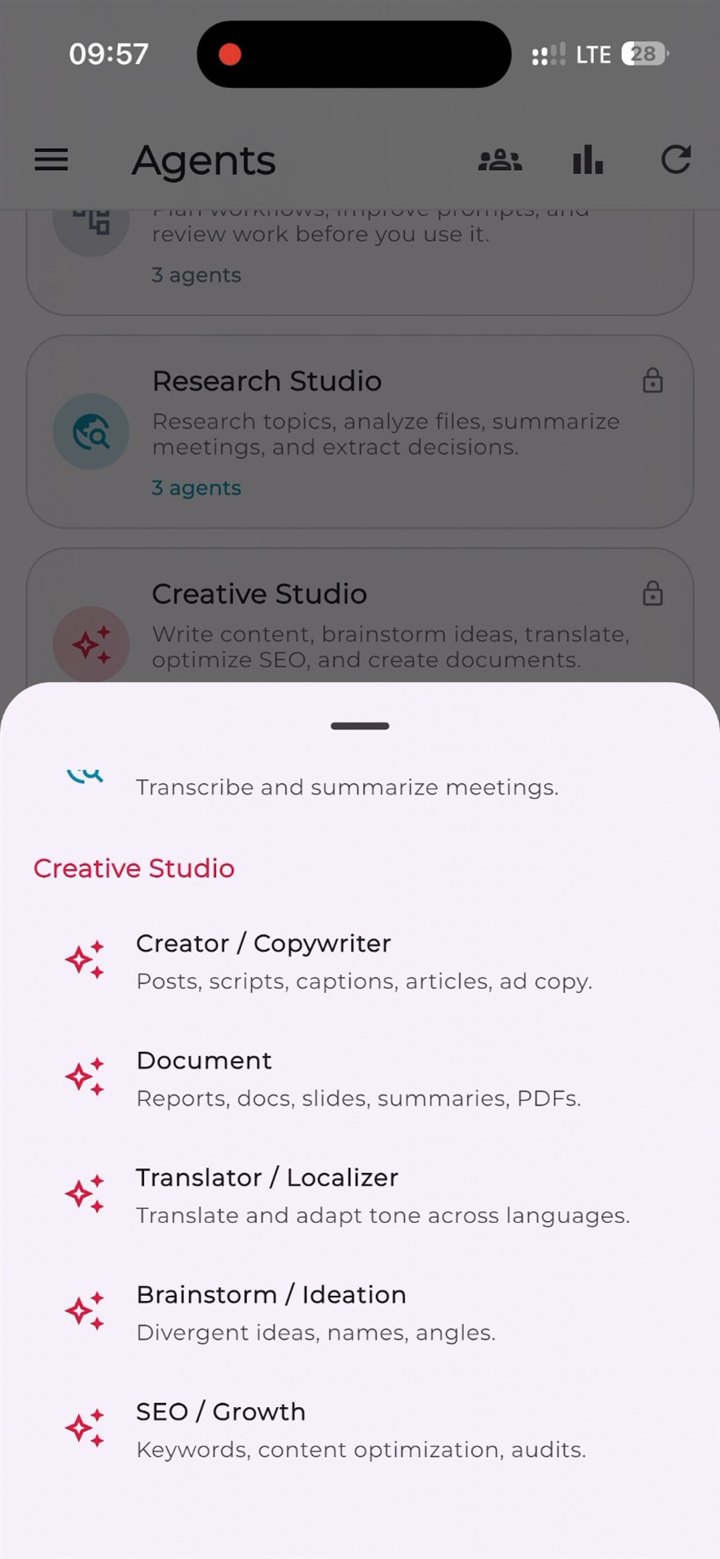
Why ChatSQT
Saved conversations and a media library give your next session a starting point. Retention depends on your plan and settings.
See live plan limits before choosing. Account-specific credits and billing details stay inside your signed-in workspace.
AI providers process the inputs needed for your request. Read the Privacy Policy for storage, sharing, and deletion details.
A plan that fits the work
Start with the available allowance and choose more capacity when you need it.
Live pricing requires JavaScript. Sign in to confirm current plans.
Agent plan details appear here when supplied by the billing server.
The billing server couldn't provide current prices. Try again, or contact support. No payment is started on this page.
A zero allowance means that feature is not included. At a limit, you may need to wait for a reset or upgrade; extra credits do not necessarily unlock every feature. Sign in to view current credit packs, eligibility, and billing options. Read the plan terms.
Before you get started
A little clarity before your first prompt.
Talk to supportChatSQT is an AI workspace with conversations, Study, Agents, and a Library. Use your existing ChatSQT account across the app.
The app includes AI chat and voice, image and video generation, study tools, specialised agents, and a Library. Access and usage depend on the plan. Check the live allowances above and the tool's availability in your account. The screenshots on this page were captured from the iOS app. Account state, availability, and layout may differ on your device.
Inputs needed to fulfil a request are sent to AI providers. Account content and generated outputs are stored so you can return to them. We do not claim that processing happens only on your device. The Privacy Policy explains service providers, storage, and your choices.
Retention varies by settings, plan rules, and storage limits. Delete conversations and artifacts in the app where available, or contact support to request account deletion. Review the retention policy before uploading sensitive material.
Features have plan-specific limits; some have no included usage. You may need to wait for a reset or upgrade. Credit packs and their eligibility are shown in your signed-in account. A credit purchase does not imply unlimited use or access to every tool.
For web billing or cancellation help, contact support with your account email and payment details — never your password. Store purchases must be managed through that store. Refunds are assessed case by case, subject to applicable law and the Refund Policy; unused time or credits are not automatically refundable.
Start with one useful task
A clearer thought. A new idea. Your next piece of work.